
View a Client Application
To view the details and configuration properties of a Client Application:
-
Select Admin from the top navigation bar, then select Access > Client Applications from the side navigation menu. The Client Applications screen is displayed.
-
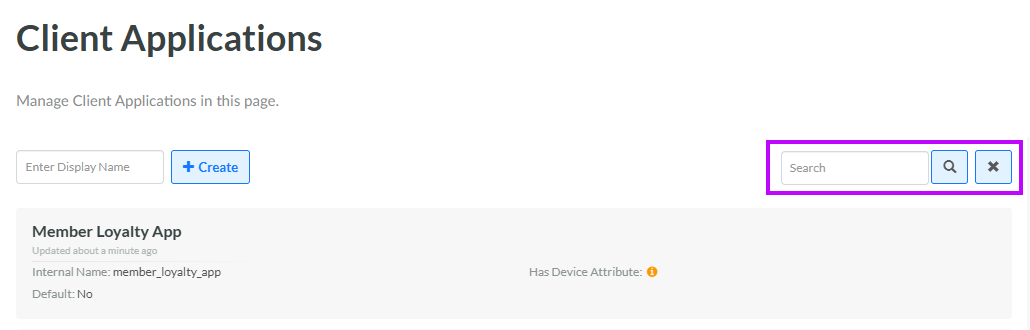
Optionally, search for the desired Client Application by entering a text string in the Search field. Click the Search icon. The platform filters the screen to show only the Client Applications that have this text string with the Client Application display name or internal name. Click the desired Client Application. The Client Application Details screen is displayed, with the Definition tab selected.
-
The header and the tabs on this screen allow you to view various configuration details. See below for details on each of these areas.
Header
The header area of the Client Application Details screen displays many of the high-level properties of this Client Application, including its name, description, and created date. For more information on editing these properties, see Edit Client Application Properties.
Also from the header area, you can delete a Client Application. For more information, see Delete a Client Application.
Definition Tab
The Definition tab of the Client Application Details screen displays many of the configuration options and properties available for this Client Application. For more information, see Configure Client Application Definition.
OAuth Applications Tab
The OAuth Applications tab of the Client Application Details screen displays the OAuth Applications assigned to this Client Application.
Note: Assigning an OAuth Application to a Client Application is managed on the OAuth Applications screen.
